
Real Estate / Sales Teams · Telephony Integration
WAVV Dialer × GoHighLevel Sub-Account Integration
A full WAVV dialer integration inside a GoHighLevel sub-account so the sales team can power-dial contacts straight from their GHL smart lists — with call outcomes, notes, recordings, tags, and SMS all writing back into the GHL contact record automatically.
5–10x faster
Dialing Throughput
0 min (fully automated)
Post-Call Data Entry
Real-time
Sync Latency (WAVV ↔ GHL)
100%
Call Outcomes Auto-Mapped To Tags
1 (GHL only)
Tools Sales Reps Need To Open
The Challenge
The team was manually dialing leads one at a time from GHL, wasting hours between calls. Contact status, dispositions, and call notes were being logged inconsistently, recordings lived in a separate tool, and follow-up SMS had to be typed by hand. They needed a real multi-line dialer bolted directly into their existing GHL sub-account without breaking any of their pipelines or automations.
The Solution
I connected WAVV to the client's GoHighLevel sub-account using WAVV's native GHL integration. Contacts sync bi-directionally, smart lists in GHL become dialable lists in WAVV, and every call (dial, connect, voicemail drop, disposition, note, recording, SMS) is written back to the GHL contact + opportunity in real time. Dispositions are mapped to GHL tags and pipeline stage moves, so a single click after a call updates the CRM and fires the right nurture workflow.
Step-by-step, exactly how the automation runs
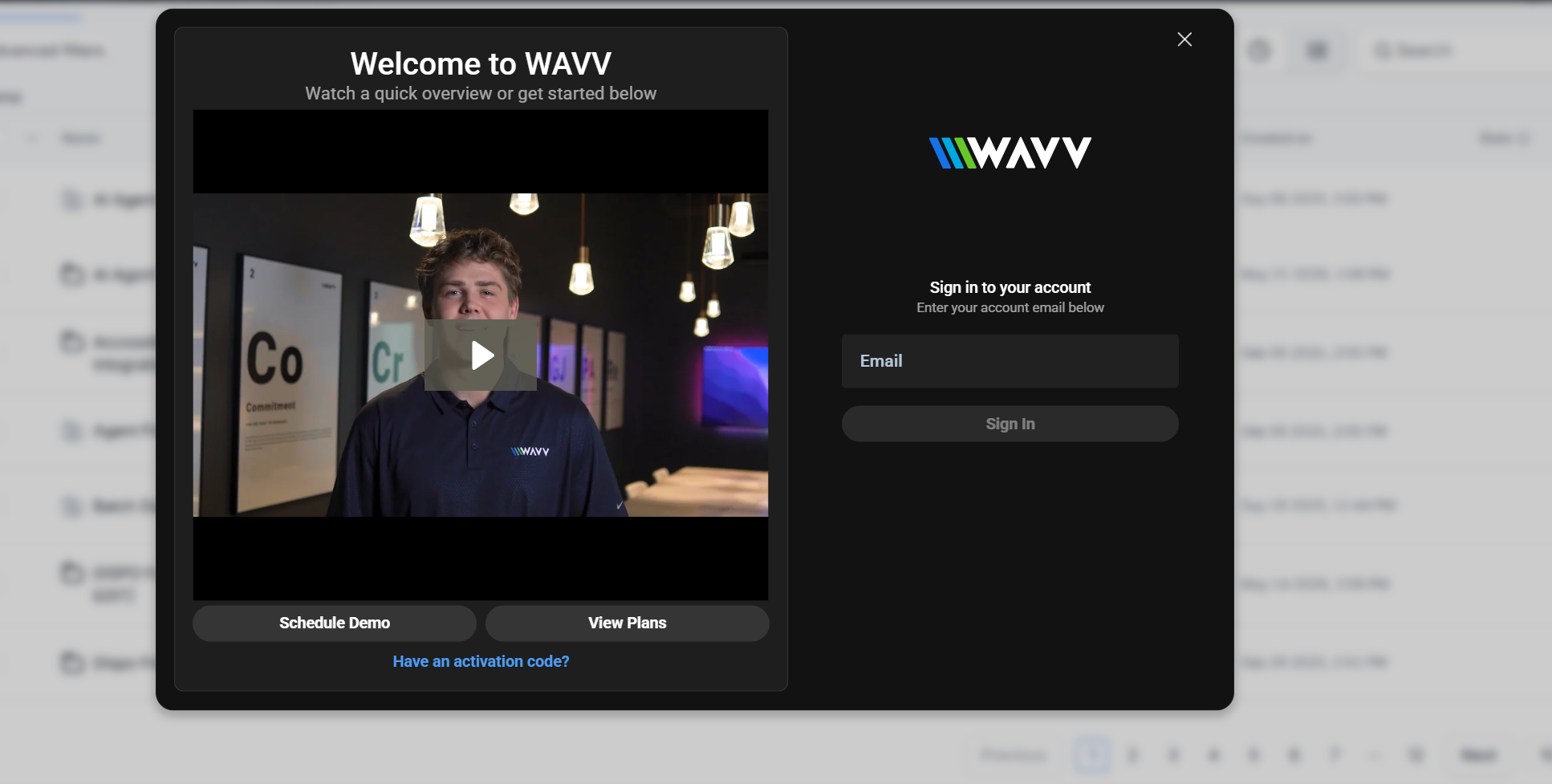
Step 1 — Provision WAVV Account & Sign In
Created the WAVV account for the client, activated the plan that matches their line count (multi-line power dialing), and signed in through the WAVV welcome screen. This gives us the WAVV workspace that will pair with the GHL sub-account.
Step 2 — Enable WAVV Integration Inside The GHL Sub-Account
Inside the specific GoHighLevel sub-account (not the agency level), opened Settings → Integrations → WAVV and enabled the native WAVV integration. This exposes the WAVV panel inside every contact record and inside the GHL top bar as a phone icon.
Step 3 — Authenticate WAVV ↔ GHL
Signed in to WAVV from inside the GHL sub-account so the two systems exchange auth tokens. From this moment on, WAVV knows exactly which GHL location to read contacts from and write call data back to — no data leaks across sub-accounts.
Step 4 — Assign Phone Numbers & Local Presence
Provisioned dedicated dialing numbers inside WAVV and enabled Local Presence so outbound calls display an area code that matches the lead being dialed. Answer rates on cold outreach usually double when the caller ID matches the lead's area code.
Step 5 — Sync Contacts & Smart Lists
Turned on bi-directional contact sync so every contact in the GHL sub-account is visible in WAVV, and any new contact created in WAVV lands in GHL. Then mapped GHL Smart Lists (e.g. 'New Buyer Leads — Not Contacted') to WAVV dialing campaigns — the rep just picks the list and hits dial.
Step 6 — Configure Multi-Line Power Dialer
Set the campaign to dial multiple lines simultaneously so reps are always talking to a live person instead of listening to ring tones. Configured drop-behavior for answering machines (auto voicemail drop) and abandonment rules to stay TCPA-friendly.
Step 7 — Map Dispositions → GHL Tags & Pipelines
Every WAVV disposition button (Connected, Left Voicemail, Wrong Number, Not Interested, Callback, Appointment Set, DNC) was mapped to a specific GHL tag. Tags then trigger GHL workflows: 'Appointment Set' moves the opportunity to the Appointment stage and fires the confirmation SMS + calendar invite; 'DNC' removes the contact from every future campaign; 'Callback' schedules a task for the rep.
Step 8 — Voicemail Drops & Two-Way SMS
Recorded reusable voicemail drops in WAVV so a single click leaves a professional pre-recorded message on any answering machine — the rep moves to the next call immediately. Two-way SMS was wired so any text sent from WAVV lands in the GHL Conversations tab, and any inbound reply notifies the assigned user inside GHL.
Step 9 — Call Recording, Notes & Activity Sync
Enabled call recording (where legally allowed) and turned on the setting that attaches the recording URL, call duration, and rep notes to the GHL contact's Activity tab. Managers can now audit any call from directly inside GHL without ever opening WAVV.
Step 10 — Live Result
The rep now opens one tool — GoHighLevel. They pick a smart list, click dial, WAVV runs a multi-line power dial in the background, the rep talks to live prospects, clicks a disposition, and the CRM updates itself: tag applied, pipeline stage moved, workflow fired, recording attached, next task scheduled. What used to take 4 minutes of after-call work per call now takes zero.
Automation Features
- Multi-line power dialer inside GHL sub-account
- Bi-directional contact sync (GHL ↔ WAVV)
- GHL smart lists become WAVV dialing lists
- One-click call dispositions mapped to GHL tags
- Auto pipeline stage movement on disposition
- Pre-recorded voicemail drops
- Two-way SMS synced to GHL conversation thread
- Call recordings attached to GHL contact
- Local presence dialing (matching area codes)
- Real-time call notes written back to GHL
Business Benefits
- Dialing throughput increased 5–10x vs manual
- Zero manual data entry after calls
- Every call, note, recording and SMS lives on the GHL contact
- Dispositions automatically trigger the right nurture workflow
- Team has one workspace (GHL) — no tool switching
- Managers get accurate call reporting inside GHL
Technology Stack
WAVV DialerGoHighLevel Sub-AccountWAVV ↔ GHL Native IntegrationSmart ListsPipelinesTagsWorkflowsSMSVoicemail DropsCall Recording
"Before WAVV was wired into our GHL sub-account, the team spent more time typing notes than talking to leads. Now they hit dial, talk, click a disposition, and the CRM does the rest."
Sales Manager
Real Estate Team